


PALOGO

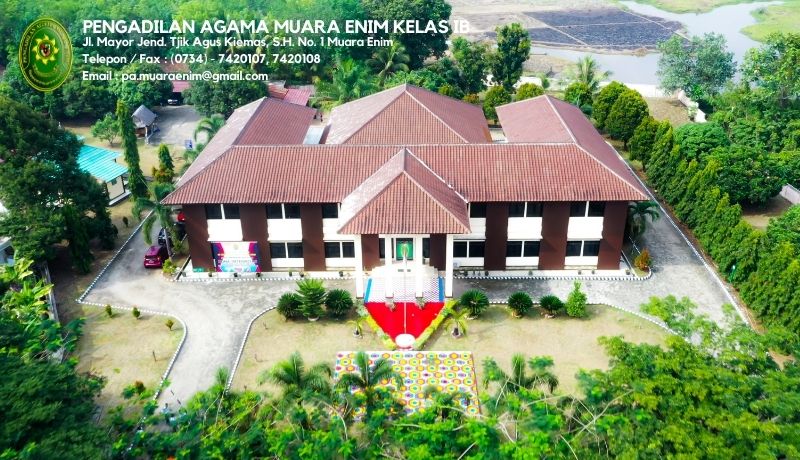
Selamat Datang di Website Resmi Pengadilan Agama Muara Enim

Website ini sebagai media informasi untuk seluruh masyarakat yang ingin memperoleh informasi tentang Pengadilan Agama Muara Enim
Selamat Datang di Website Resmi Pengadilan Agama Muara Enim

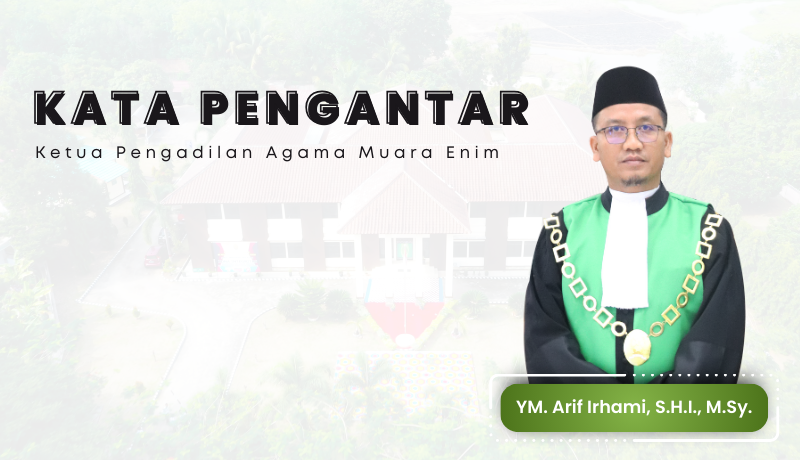
Kata Pengantar Ketua Pengadilan Agama Muara Enim

Alhamdulillah, puji dan syukur kita panjatkan kehadirat ALLAH SWT atas segala limpahan rahmat dan hidayahNya sehingga dengan karuniaNya Pengadilan Agama Muara Enim bisa mewujudkan Website Resmi Pengadilan Agama Muara Enim dengan alamat www.pa-muaraenim.go.id. Kami berharap semoga dengan adanya website ini bisa memberi dampak positif di masyarakat untuk memberikan akses bagi para pencari keadilan...
Kata Pengantar Ketua Pengadilan Agama Muara Enim

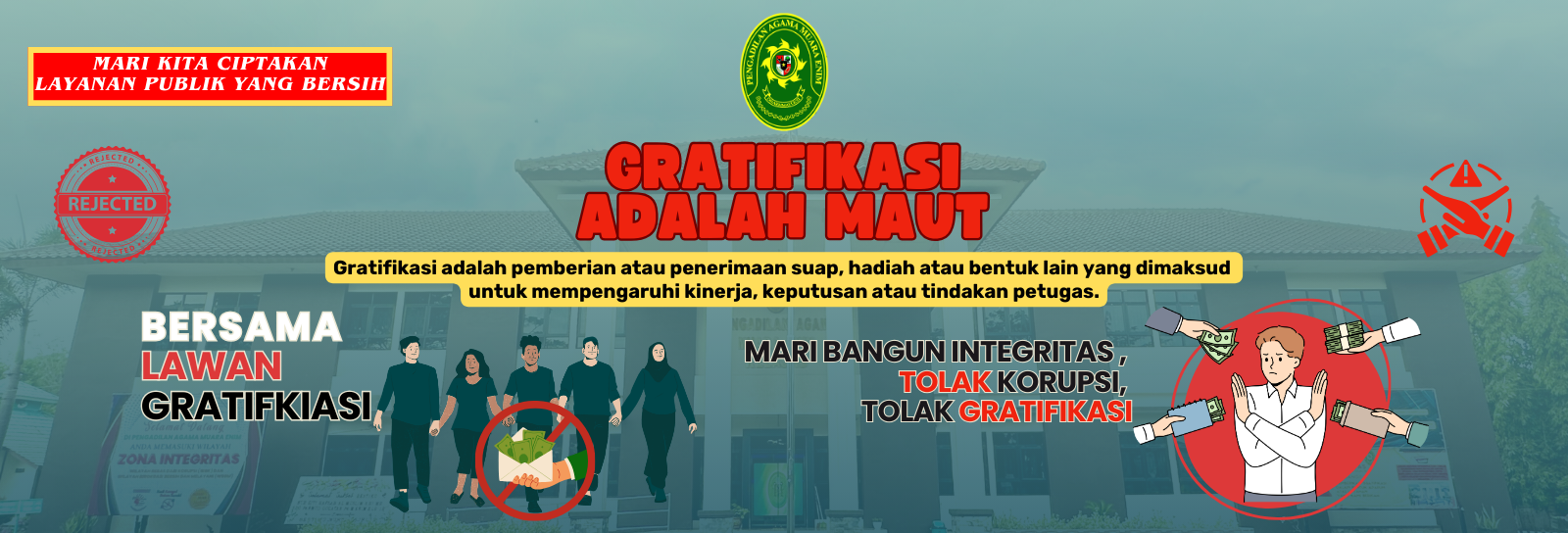
STOP GRATIFIKASI

Apabila anda melihat, mendengar atau mengalami kejadian yang menunjukan penyalahgunaan wewenang, penyimpangan atau pelanggaran perlaku Aparat.
STOP GRATIFIKASI

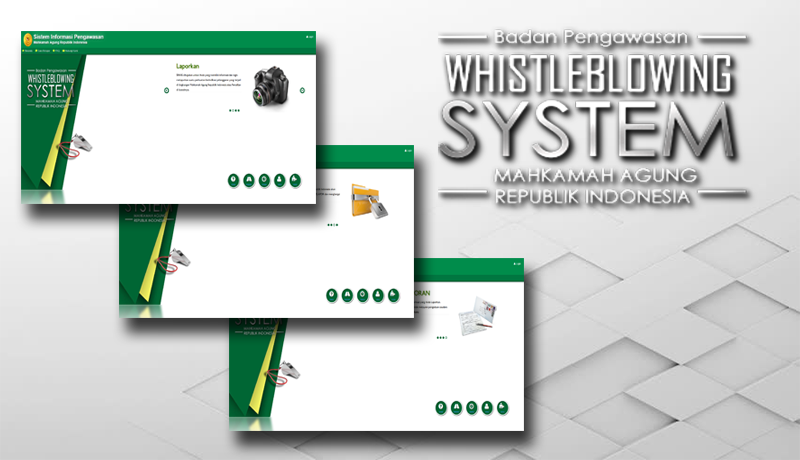
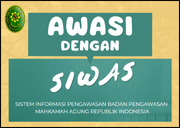
SIWAS

Aplikasi yang disediakan oleh Badan Pengawasan Mahkamah Agung RI, untuk melaporkan suatu perbuatan berindikasi pelanggaran yang terjadi di lingkungan Mahkamah Agung Republik Indonesia atau Peradilan dibawahnya.
SIWAS

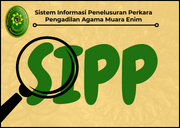
Aplikasi SIPP

Aplikasi Sistem Informasi Penelusuran Perkara (SIPP), merupakan aplikasi administrasi dan penyediaan informasi perkara baik untuk pihak internal pengadilan, maupun pihak eksternal pengadilan. Pengunjung dapat melakukan penelusuran data perkara (jadwal sidang sampai dengan putusan) melalui aplikasi ini.
Aplikasi SIPP

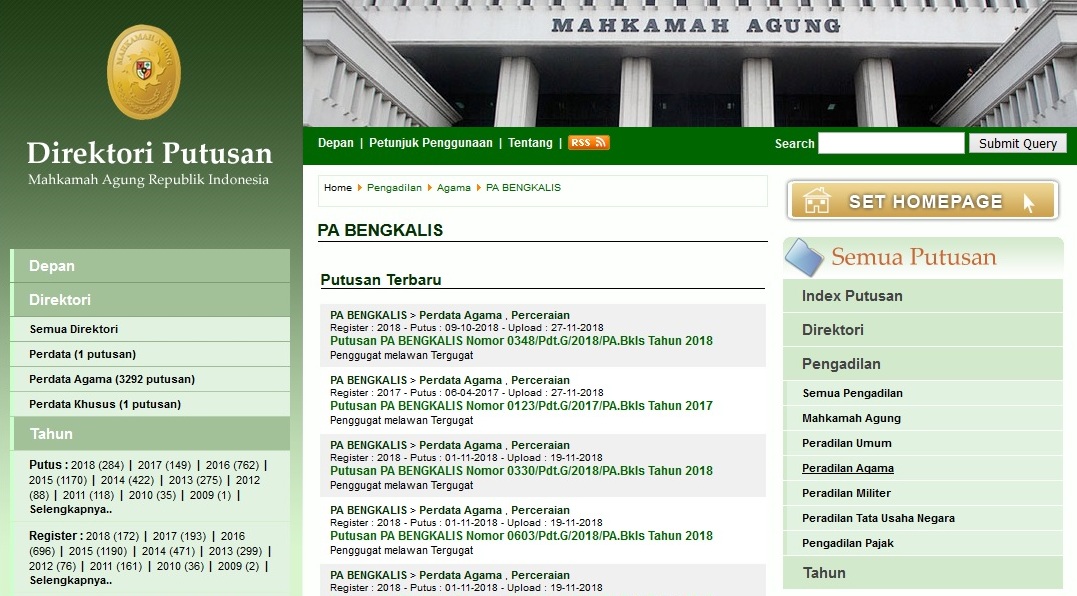
Direktori Putusan

Pencari keadilan dapat mendapatkan salinan putusan dengan cepat dan mudah dengan mengakses Direktori Putusan Mahkamah Agung RI satuan kerja Pengadilan Agama Muara Enim.
Direktori Putusan

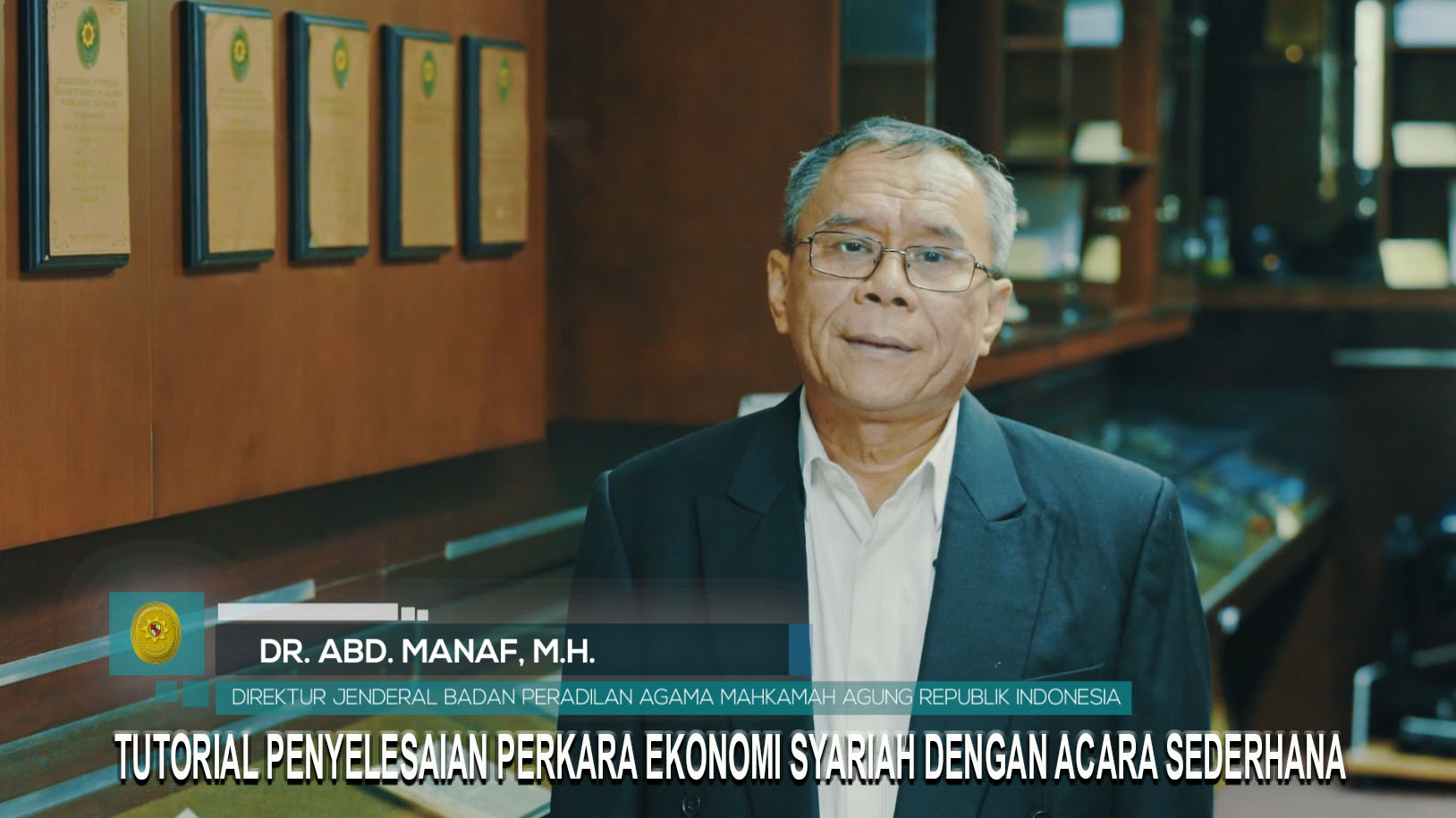
Tutorial Penyelesaian Gugatan Ekonomi Syariah

Video yang berisi tentang cara penyelesaian perkara ekonomi syariah dengan acara yang sederhana
Tutorial Penyelesaian Gugatan Ekonomi Syariah

Aplikasi Pendukung


asiva PTSPLIVE Meja Informasi IJAP sipp SURVELAG

gugatanmandiri


e court

direktoriPutusan

siwas

SP4N LAPOR

ValidasiAktaCerai

  • tolak gratifikasi 4
  • tolak gratifikasi 2

It's easy to get started creating your website. Knowing some of the basics will help.

What is a Content Management System?

A content management system is software that allows you to create and manage webpages easily by separating the creation of your content from the mechanics required to present it on the web.

In this site, the content is stored in a database. The look and feel are created by a template. Joomla! brings together the template and your content to create web pages.

Logging in

To login to your site use the user name and password that were created as part of the installation process. Once logged-in you will be able to create and edit articles and modify some settings.

Creating an article

Once you are logged-in, a new menu will be visible. To create a new article, click on the "Submit Article" link on that menu.

The new article interface gives you a lot of options, but all you need to do is add a title and put something in the content area. To make it easy to find, set the state to published.

You can edit an existing article by clicking on the edit icon (this only displays to users who have the right to edit).

Template, site settings, and modules

The look and feel of your site is controlled by a template. You can change the site name, background colour, highlights colour and more by editing the template settings. Click the "Template Settings" in the user menu. 

The boxes around the main content of the site are called modules.  You can modify modules on the current page by moving your cursor to the module and clicking the edit link. Always be sure to save and close any module you edit.

You can change some site settings such as the site name and description by clicking on the "Site Settings" link.

More advanced options for templates, site settings, modules, and more are available in the site administrator.

Site and Administrator

Your site actually has two separate sites. The site (also called the front end) is what visitors to your site will see. The administrator (also called the back end) is only used by people managing your site. You can access the administrator by clicking the "Site Administrator" link on the "User Menu" menu (visible once you login) or by adding /administrator to the end of your domain name. The same user name and password are used for both sites.

Learn more

There is much more to learn about how to use Joomla! to create the web site you envision. You can learn much more at the Joomla! documentation site and on the Joomla! forums.

program prioritas

Program Prioritas Ditjen Badilag 2025 page 0001 1

PENGHARGAAN

  • ecourt New
  • 2. Gugatan Mandiri terbanyak juara 3 1
  • 9. Percepatan pengkinian dan Kelengkapan Data Website juara 1 1
  • 6. Pelaksanaan Anggaran DIPA 01 juara 3 1
  • tw 3 PSP BMN tw page1 image1
  • tw 3 nilai kinerja anggaran DIPA 04 page1 image1
  • TW II sertifikat juara 2 kinsatker 17 09 2025 164149 1 1
  • tw 1 2025 perkara tercepat akurat
  • 7. Penilaian NKA DIPA 01 Juara 3 1
  • 1 Besar Februari 2021 New
  • BMN KPKNL LAHAT FEB 2620 02 2026
  • tw 3 website page1 image1
  • tw 1 2025 capaian output ikpa dipa 01
  • 12. Persentasi Penilaian SIPP juara 3 1
  • tw 1 2025 BMN
  • 5. Laporan Perkara Bulanan Tercepat dan Terakurat juara 3 1
  • 4. Kepatuhan Sinkronisasi APS Badilag Juara 3 1
  • 1. Evaluasi SAKIP juara 3 1
  • kpknl lahat feb 26
  • TW II SERTIKFIKAT SINERGITAS PTA PALEMBANG DAN SE SUMSEL
  • tw 3 mediasi page1 image1
  • Gugatan Mandiri
  • tw 3 penyelesaian perakara page1 image1
  • 6. PAME INFROMATIF 2026
  • tw 3 evaluasi sakip page1 image1
  • 10. Perencanaan Anggaran DIPA 04 Juara 2 1
  • 11. Perencanaan DIPA 01 Juara 1 1
  • 6. PAME INFROMATIF 2026
  • 3. IPA Satker Juara I 1
  • Rekor MURI New
  • 8. Penyelesaian Perkara Kategori I Juara 3 1
  • tw 1 2025 penyelesaian perkara

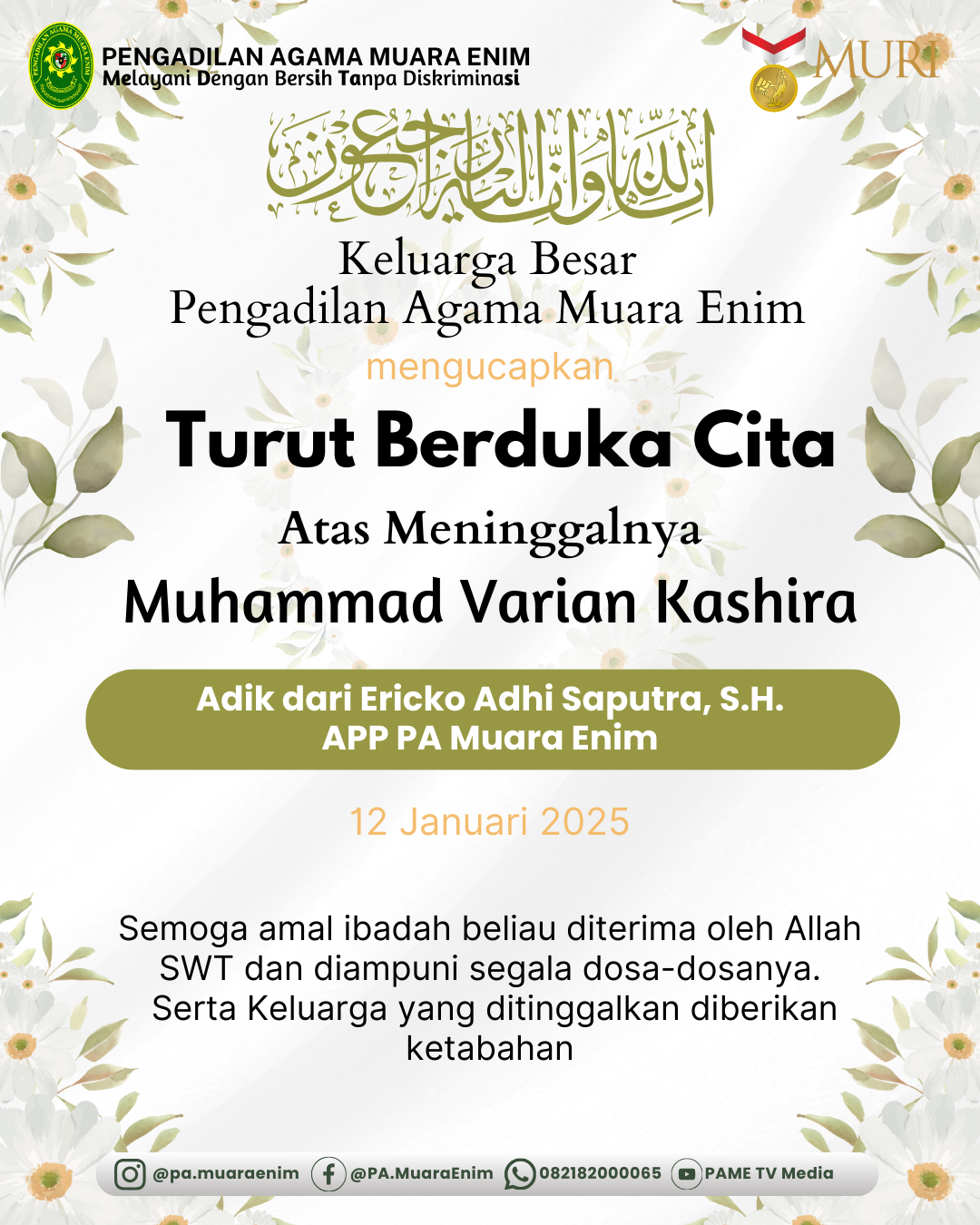
Ucapan Duka Dan Cita

  • adek erik
  • PELANTIKAN p3k
  • Prosedur Bantuan Hukum
  • Prosedur Permohonan Informasi
  • Pengaduan


posbakum Mahkamah Agung RI pada tanggal 9 Januari 2014 telah menerbitkan Peraturan Mahkamah Agung Republik Indonesia Nomor 1 Tahun 2014 tentang Pedoman Pemberian Layanan Hukum Bagi Masyarakat Tidak Mampu di Pengadilan.


Read More

typo colorProsedur permohonan informasi Prosedur pelayanan informasi di pengadilan terdiri dari Prosedur Biasa; dan Prosedur Khusus.

Read More

typo colorSyarat dan tata cara pengaduan mengacu pada Lampiran Keputusan Ketua Mahkamah Agung RI No. 076/KMA/SK/VI/2009 tanggal 4 Juni 2009 tentang Pedoman Pelaksanaan Penanganan Pengaduan di Lingkungan Lembaga Peradilan.

Banner Pengaduan baru


tata cara pendaftaran online

pendaftaran gugatan online

pembayaran online

PEMBAYARAN ONLINE INFOGRAFIS

Hubungi Kami

Silahkan hubungi Pengadilan Agama Muaraenim, Kami siap melayani para pencari keadilan.

Telpon : (0734) 7420107

Fax: (0734) 7420107

Website : www.pa-muaraenim.go.id

Alamat : Jln. Mayor. Jend. Tjik Agus Kiemas, S.H. No. 01, Muara Enim


Tim IT Pengadilan Agama Muara Enim@2022